Design hats: a different design on your hat
Your hat normally matches your shirt. Put one of your designs on it instead and wear two patterns at once.
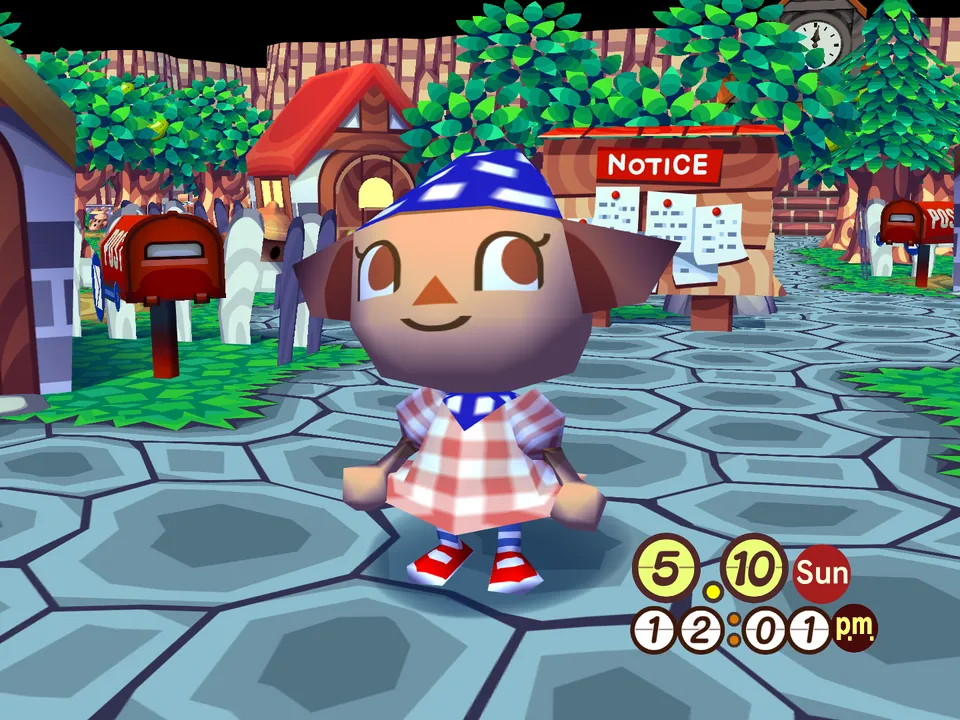
Wearing a design on your hat
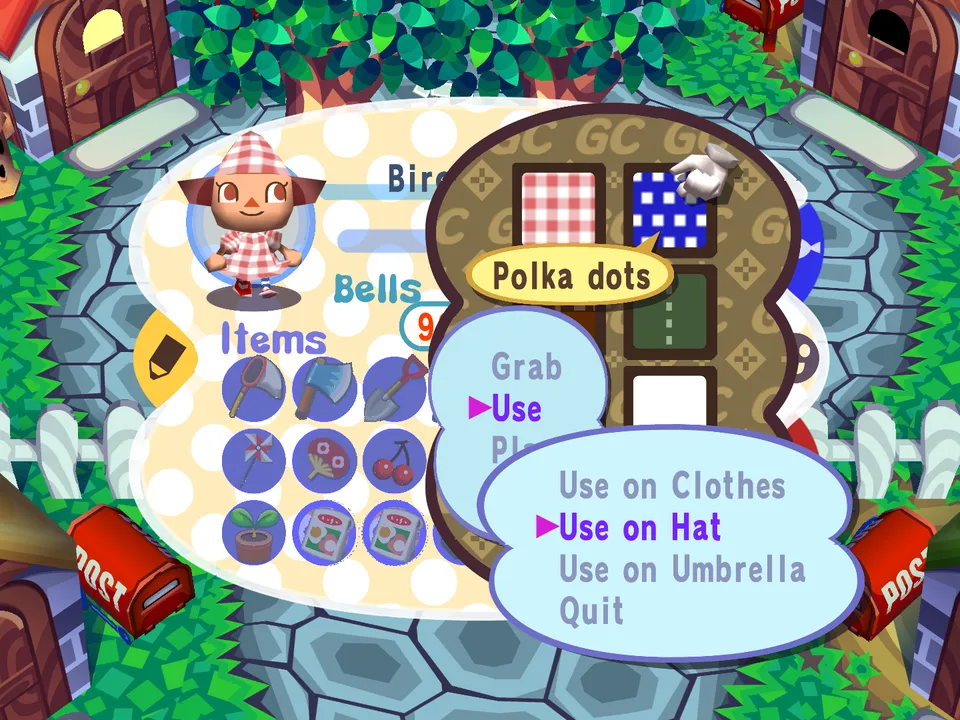
- Open your pockets and go to your designs.
- Pick a design and choose Use.
- Choose Use on Hat.
Taking it off
Choose Use on Hat on the same design again. Your hat goes back to matching your shirt.
Good to know
- Changing your shirt leaves your hat alone.
- Redraw the design and your hat changes too.
- Your hat is saved with your town when you save your game.
- Your hat goes with you when you visit a friend or ride to the City.
- Other players see it on a visit and in the City, unless they turned your designs off with Show designs from in Settings, Gameplay.
- Want a friend's design on your hat? Share it with a code first.